
Daily dashboard
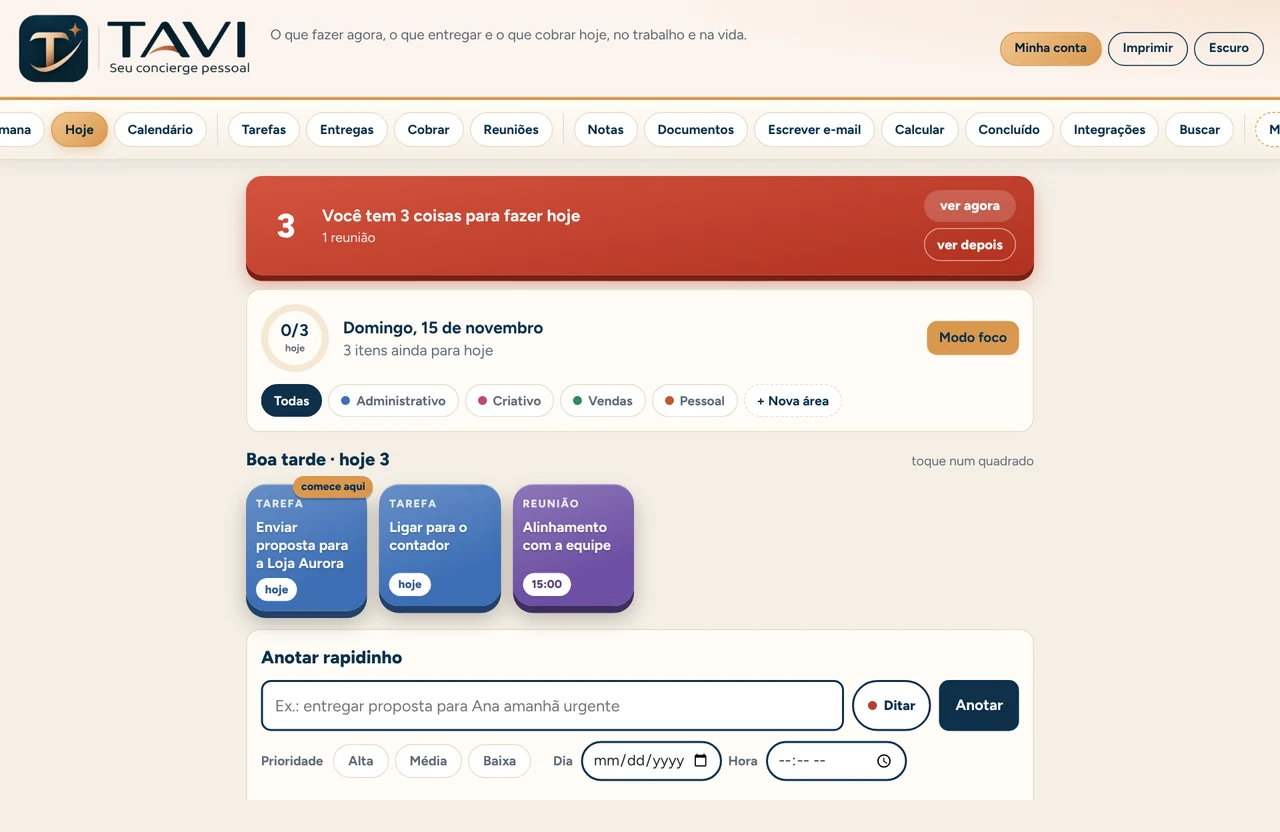
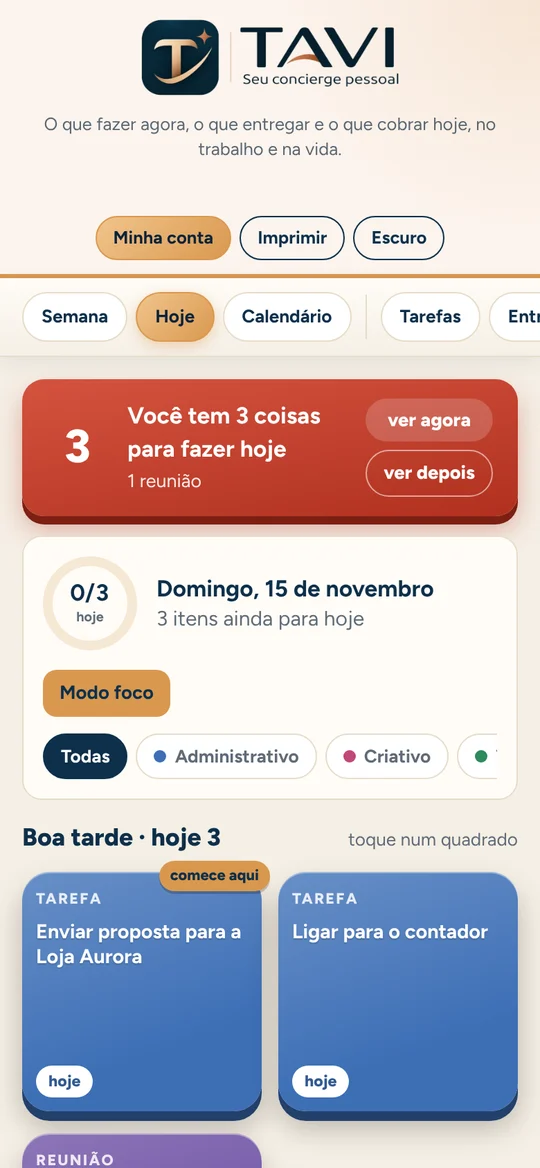
Every day it tells you where to start: what's overdue, what's due today and what can wait.
Organize tasks, projects, deadlines, deliverables and follow-ups with the help of a smart assistant.
Write the way you talk (follow up with Carlos about the quote on Friday) and Tavi sorts out what to do now, what to deliver and whom to follow up with.
What Tavi does
For people juggling many fronts at once: admin, creative, sales, clients and team.
Every day it tells you where to start: what's overdue, what's due today and what can wait.
Priority, deadline, time and size for each task. Urgent items stand out.
Admin, creative, sales and any areas you create, each with its own color.
Deliverables kept apart from tasks, with week and calendar views to spot overloaded days.
Reminds you when to follow up with whoever owes you an answer, with a ready-to-send message.
What's due today is highlighted at the top. Ask for "remind me in 1 hour" and get a notification on your phone. You can also block vacation days and days off.
Write your e-mail your way: AI suggests tone, grammar and clarity tweaks, and you decide.
What you finished and received, to wrap up the day or week or report back.
Percentages, commissions and work math, with results as you type.
Integrations
Meetings created in Teams, Zoom or Meet show up on their own through your calendar link. On WhatsApp, Tati takes notes for you. Flagged Outlook e-mails become tasks.
How it works
Type, dictate or send it on WhatsApp: a task, a deliverable or a follow-up.
Tavi understands the date, the person and the urgency, and puts everything in its place.
Follow the daily dashboard, mark things done and keep track of what's left.
Access
See the price on our Pricing page. Want to hear first about news?
In the browser on your computer, tablet and phone, with your TapeBooks account. Your data shows up on every device.
No. Integrations are optional: turn on only what makes sense for your work.
No. It suggests edits to the text you wrote. You decide and send it, from your own e-mail.
TapeBooks. Digital tools for everyday life.